
Should a Small Municipality Hire Internal IT, Outsource IT, or Use Co-Managed IT?
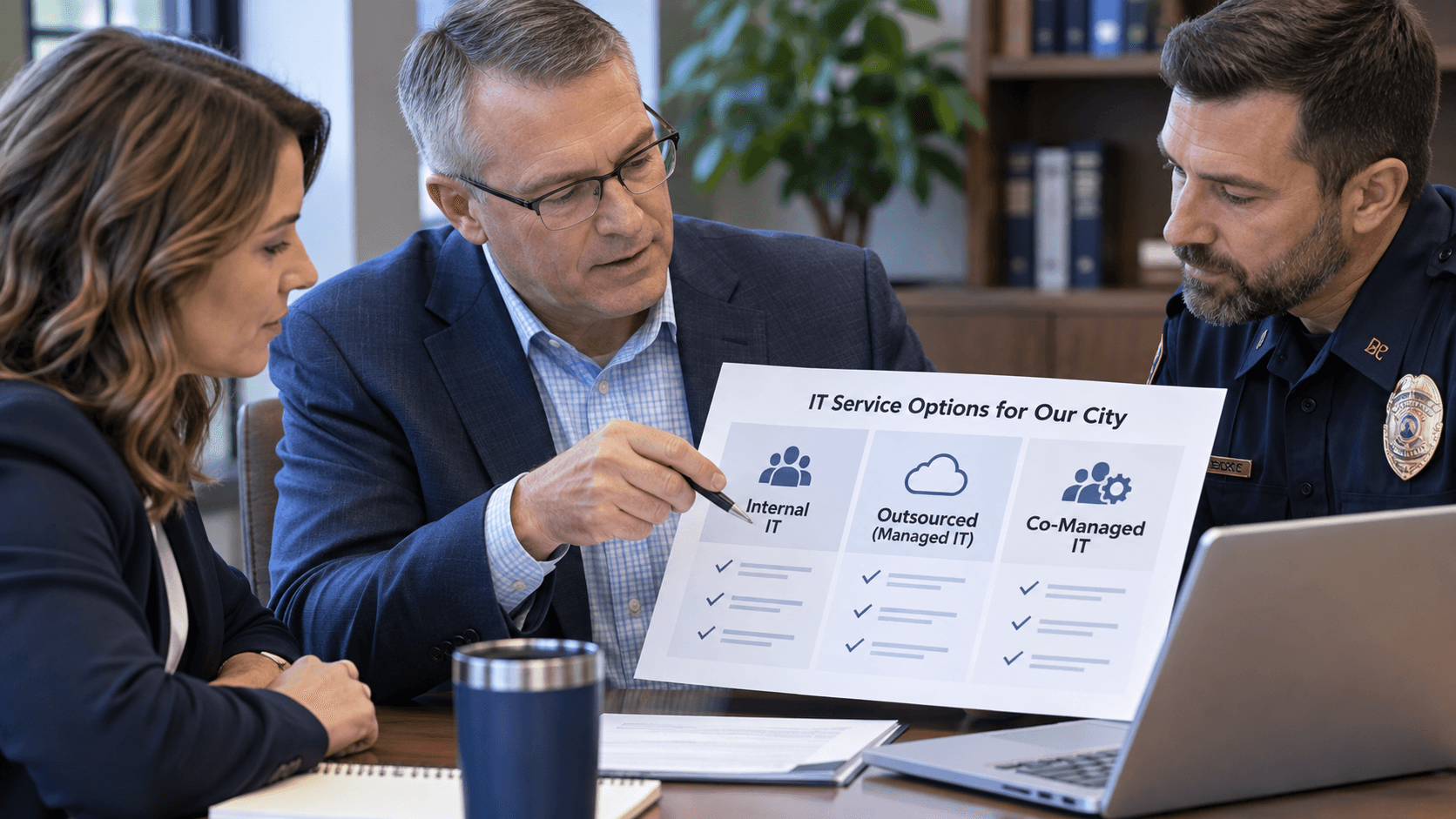
A small municipality with 10–50 employees generally has three options for managing technology: hire an internal IT employee, outsource IT to a managed service provider, or use a co-managed model that combines internal staff with outside expertise.
The right choice depends on more than cost.
City leaders should compare each model based on response time, coverage, cybersecurity expertise, predictability, continuity, compliance needs, and long-term technology strategy.
But before comparing the three models, start with a more important question:
What problem are you actually trying to solve?
If the city is frustrated with slow support, unpredictable expenses, cybersecurity concerns, lack of strategic planning, or an overwhelmed internal employee, the best IT model is the one that addresses those specific problems.
Start With the Problem—Not the IT Model
Municipal leaders sometimes begin the conversation by saying:
“Should we hire an IT person?”
or:
“Should we outsource IT?”
A better starting point is:
“What is not working with our technology today?”
Common pain points include:
- Employees waiting too long for support
- Recurring technology problems
- Unpredictable IT expenses
- One person being responsible for everything
- Lack of cybersecurity expertise
- No vacation or emergency coverage
- Projects continually being delayed
- Poor documentation
- Compliance concerns
- No long-term technology budget
- Little guidance around AI, automation, or emerging technology
Once you identify the primary problem, you can evaluate which staffing model is most likely to solve it.
For example, if your biggest complaint is slow response, hiring one additional employee may not fix it if that same person is expected to handle support, cybersecurity, vendors, projects, and strategy.
If predictable expenses are the concern, compare total costs rather than salary versus an MSP's monthly fee.
And if strategy is missing, ask who will help leadership plan technology expenses two or three years into the future.
Option 1: Hire an Internal IT Employee
An internal IT employee works directly for the municipality and becomes deeply familiar with the city's people, systems, departments, and operations.
That familiarity can be a significant advantage.
An internal employee may understand:
- Which departments rely on which systems
- Which applications are mission-critical
- How city leadership prefers to operate
- Which employees need additional support
- The city's vendor relationships
- Historical technology decisions
- Upcoming departmental needs
For municipalities with enough IT workload, an internal employee can provide valuable continuity and ownership.
The Challenge: One Person Has to Cover a Lot
A small city's IT responsibilities may include:
- Help desk support
- Microsoft 365
- Networking
- Cybersecurity
- Backups
- Servers
- Cloud applications
- Police technology
- CJIS-related requirements
- Vendor management
- Technology procurement
- Disaster recovery
- Strategic planning
- AI and automation
It is difficult for one person to be highly skilled in all of those areas.
There is also a practical coverage problem.
What happens when that employee is:
- Sick
- On vacation
- Attending training
- Working on a major project
- Responding to another emergency
If one employee holds most of the city's technical knowledge, the municipality can also develop a single point of dependency.
That does not mean internal IT is a bad option.
It means the city should realistically evaluate whether one person can provide the coverage and breadth of expertise the organization requires.
Option 2: Fully Outsource IT to a Managed Service Provider
With fully outsourced managed IT, an MSP becomes responsible for most or all of the municipality's technology support and management.
Instead of relying on one person, the city gains access to a broader team that may include:
- Help desk technicians
- Systems engineers
- Network specialists
- Cybersecurity professionals
- Project engineers
- Strategic technology advisors
For smaller municipalities without an existing IT department, this can provide more technical depth than hiring one generalist.
What Does Outsourced IT Cost?
For the types of organizations Dazzee IT serves, managed IT typically ranges from approximately $130–$180 per seat, per month, depending on the environment and services required.
For example:
Seats Approximate Monthly Range
10 $1,300–$1,800
25 $3,250–$4,500
50 $6,500–$9,000
These are example ranges based on Dazzee IT's typical pricing and are not quotes for a specific municipality.
Managed services can make monthly support expenses more predictable, but city leaders should still ask what is—and is not—included.
Ask What Counts as a Project
A fixed monthly managed-services agreement does not necessarily mean every future technology expense is included.
Projects may be billed separately when the city:
- Adds a location
- Replaces major infrastructure
- Changes software platforms
- Performs a large migration
- Deploys new technology
- Makes significant changes to the environment
Ask potential providers:
“What qualifies as a project?”
“Are projects fixed-fee or billed hourly?”
“Which types of work are outside our monthly agreement?”
Predictability comes from understanding both the recurring cost and the likely cost of future change.
Option 3: Use Co-Managed IT
Co-managed IT combines an internal IT employee or team with an outside managed service provider.
This model can work especially well when a city already has a trusted IT employee but that person needs additional resources.
For example, the internal employee might handle:
- Department relationships
- Local applications
- On-site needs
- Routine employee requests
- Vendor coordination
The MSP might provide:
- Cybersecurity expertise
- Advanced engineering
- Network monitoring
- Backup management
- After-hours coverage
- Project resources
- Help desk overflow
- Strategic planning
The purpose is not to replace the internal employee.
It is to give them more capacity, broader expertise, and backup coverage.
When Co-Managed IT Makes Sense
Co-managed IT may be a strong fit when:
- The city already has a capable IT employee
- That person is overwhelmed
- Cybersecurity expertise is limited
- Employees need faster support
- Projects keep getting postponed
- Vacation coverage is a problem
- Leadership needs more strategic planning
- The city wants access to specialists without building a larger internal department
For some municipalities, this provides the best balance between internal knowledge and outside expertise.
Compare the Three Models Across 6 Factors
Instead of asking which model is universally best, compare all three against the things your municipality actually needs.
1. Response Time
Slow response is one of the most common reasons organizations begin looking for a different IT solution. Shane notes in the transcript that if response time is the city's main pain point, the buying process should be structured around understanding exactly how a provider will improve it.
Ask:
- How do employees request support?
- What happens after a ticket is submitted?
- How are urgent issues prioritized?
- Who handles escalation?
- Who provides coverage after hours?
- What happens when the primary IT person is unavailable?
Do not accept:
“We provide fast support.”
Ask for specifics.
2. Proactive Management
Almost every MSP says it is proactive.
That word has become so common that it is no longer enough by itself.
Simply installing remote monitoring software does not prove a provider is actually preventing problems.
A better question is:
“Who is specifically responsible for finding problems before our employees are affected?”
Then ask:
- What do they monitor?
- What KPIs do they track?
- How do they identify recurring issues?
- How do they measure whether our environment is becoming more stable?
- What happens when they identify a risk?
Shane's point from the transcript is especially important here: effective proactive service requires people and processes specifically accountable for reducing issues, not simply software generating alerts.
3. Cost and Predictability
Do not compare:
Internal employee salary vs. MSP monthly fee
and stop there.
For internal IT, consider:
Salary + Benefits + Payroll Costs + Training + Tools + Cybersecurity + Backup + Outside Engineering + Coverage
For outsourced IT, consider:
Monthly Fee + Excluded Services + Projects + Hardware
For co-managed IT, consider:
Internal IT Cost + MSP Cost
Then compare the capabilities delivered by each option.
A lower monthly price can be expensive if the city still needs outside cybersecurity help, project engineers, emergency coverage, or strategic consulting.
The better question is:
“Which model gives us the coverage and expertise we need at the most predictable total cost?”
4. Cybersecurity and Compliance Expertise
Cybersecurity has become highly specialized.
The same is true of compliance, cloud platforms, networking, and law-enforcement technology.
Municipalities with police departments may also need expertise around:
- CJIS requirements
- Network segmentation
- Identity and access management
- Incident response
- Security policies
- Documentation
Dazzee IT's engineers are CJIS certified, and our team has experience supporting municipalities and law-enforcement environments.
A Real Municipal Example
Dazzee IT began working with a municipality of approximately 50 employees, including 15 employees in the police department.
The city had previously been told that its environment was CJIS compliant.
After Dazzee performed a comprehensive assessment, our team identified dozens of CJIS compliance issues.
One of the most serious findings involved the network architecture.
The city's general office and law-enforcement networks were co-mingled rather than appropriately separated.
That potentially created a path where a threat actor compromising a general office workstation could reach systems containing sensitive criminal justice information.
Using Dazzee IT's Assured Ops framework, the environment was assessed and remediation recommendations were developed.
All remediation recommendations were presented within the first 30 days.
That raises an important staffing question:
Does the person or team responsible for our IT have the specialized expertise necessary to identify problems like these?
5. Continuity and Coverage
A good IT model should not depend on one person remembering everything.
Municipalities should have documented information covering:
- Administrative credentials
- Network diagrams
- Asset inventory
- Backup systems
- Vendor contacts
- Software licensing
- System configurations
- Support procedures
Ask:
“If the person who knows our environment best left tomorrow, could someone else step in?”
If the answer is no, the city has a continuity risk regardless of whether IT is internal or outsourced.
6. Strategic Planning
IT should not be limited to today's support tickets.
City leadership also needs to know:
- What equipment will need replacement
- Which systems are approaching end of life
- What cybersecurity improvements are required
- Which projects are coming
- What next year's technology budget should include
- What the city should prepare for two or three years from now
This is where terms like vCIO can become misleading.
Many providers say they include a virtual CIO, but Shane makes an important distinction in the transcript: a real strategic function should involve more than reviewing reports about tickets, patches, and backups.
Ask:
“Will you provide us with a two- or three-year technology budget?”
“Will you help us decide what investments should come next?”
“Will you connect technology planning to what our organization is trying to accomplish?”
That is strategy.
What About AI and Automation?
Technology planning is also changing.
Municipalities increasingly need guidance on questions such as:
- Where could AI save employee time?
- Which processes could be automated?
- How should employees use AI safely?
- Is Microsoft Copilot appropriate?
- What information should not be entered into public AI tools?
- Where could automation improve citizen services or internal workflows?
A technology advisor should do more than say:
“Buy some Copilot licenses.”
The conversation should be about outcomes.
Where can the city save time?
Where can repetitive work be reduced?
What is the potential ROI?
What security concerns need to be addressed?
Shane emphasizes in the transcript that AI and automation should increasingly be part of strategic technology discussions, particularly when evaluating whether a provider can help an organization use emerging technology effectively.
Which IT Model Is Best for a 10–50 Employee Municipality?
Here is a useful starting framework:
Situation
Likely Best Fit
No existing IT employee
Fully outsourced IT
One IT person overwhelmed by support
Co-managed IT
Internal IT lacks cybersecurity expertise
Co-managed IT
City needs broad expertise without building an IT department
Fully outsourced IT
City wants local internal ownership plus outside specialists
Co-managed IT
Larger municipality with multiple IT specialists
Internal or co-managed IT
One person currently handles everything
Evaluate outsourced or co-managed IT
This is not a rule.
It is a starting point.
The city's workload, complexity, cybersecurity needs, compliance requirements, and service expectations should ultimately drive the decision.
12 Questions to Ask Before Choosing an IT Model
Use these questions during your evaluation:
- •What problem are we trying to solve?
- •How quickly are employees currently receiving support?
- •Who provides coverage when our IT person is unavailable?
- •Who is responsible for cybersecurity?
- •Do we have specialized networking, cloud, backup, and security expertise?
- •Who is proactively identifying risks before employees are affected?
- •Do we have complete documentation of our environment?
- •What IT costs are predictable and which are variable?
- •What counts as a project and what will cost extra?
- •Who will provide us with a two- or three-year technology budget?
- •Do we have law-enforcement or CJIS-related requirements?
- •Who will help us evaluate AI, automation, and emerging technology?
These questions reveal much more than:
“How much do you charge per user?”
Don't Shop for a New IT Solution the Same Way You Chose the Old One
This may be one of the most important lessons from Shane's discussion.
If your municipality is considering a change because the current IT approach is disappointing you, do not use the same selection criteria that created the problem in the first place.
If slow response is the problem, dig into response.
If unexpected bills are the problem, investigate pricing structure.
If cybersecurity is the concern, ask how risk is measured and reduced.
If there is no technology roadmap, ask what strategic planning actually looks like.
And do not choose primarily based on which provider uses a particular antivirus, firewall, backup product, or monitoring platform.
Tools matter.
Outcomes matter more.
Why Municipalities Work With Dazzee IT
Dazzee IT works with municipalities throughout Missouri and Kansas.
Our approach includes:
- CJIS-certified engineers
- Experience supporting city governments and law enforcement
- Cybersecurity expertise
- A friendly help desk designed to become part of your team
- Dedicated proactive efforts focused on identifying problems before they affect employees
- Strategic technology planning
- Vendor coordination
- The Assured Ops framework for identifying risks and creating actionable recommendations
For municipalities without internal IT, Dazzee can function as the technology team.
For organizations that already have a capable IT employee, Dazzee can provide additional capacity, specialized expertise, cybersecurity resources, and strategic support.
The goal is not to force every municipality into the same model.
It is to determine which structure produces the outcomes the city actually needs.
The Bottom Line: Choose the Model That Solves the Right Problem
Small municipalities generally have three choices:
Internal IT.
Outsourced IT.
Co-managed IT.
Each can be the right answer.
The mistake is choosing based only on price, staffing preference, or what another municipality happens to be doing.
Instead, evaluate six areas:
Response time.
Proactive management.
Cost predictability.
Cybersecurity expertise.
Continuity.
Strategic planning.
Then ask better questions.
Don't accept:
“We're proactive.”
Ask how the provider proves it.
Don't accept:
“We include a vCIO.”
Ask whether you'll receive a two- or three-year technology roadmap and budget.
Don't accept:
“Everything is included.”
Ask what counts as a project.
And don't assume hiring one IT employee automatically gives your city all the technology capabilities it needs.
The best IT model is the one that gives your municipality the right expertise, appropriate coverage, predictable costs, strong cybersecurity, and a clear plan for the future.
Is your Missouri or Kansas municipality deciding whether to hire internal IT, outsource IT, or supplement an existing employee with co-managed services? Contact Dazzee IT to compare the options and determine which model best fits your city's needs.