
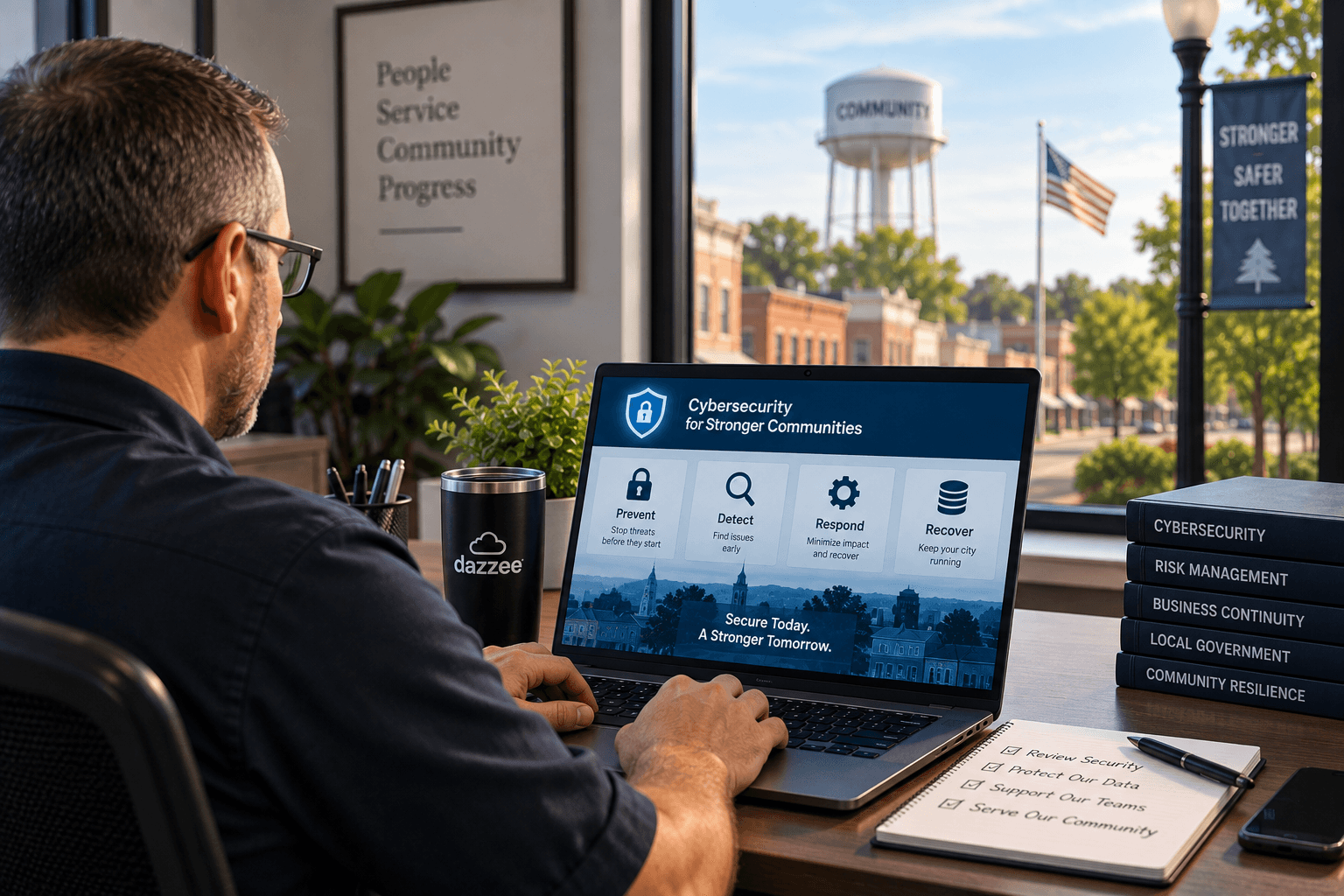
How Can Small Municipalities Protect Themselves From Ransomware and Cyberattacks?
Small municipalities can reduce their risk from ransomware and cyberattacks by focusing on five essential defenses: multi-factor authentication, employee cybersecurity training, proactive monitoring and patching, tested backups, and an incident-response plan.
For a city with 10 to 50 employees, cybersecurity doesn't have to mean building a large internal security department. It means creating multiple layers of protection so that one stolen password, phishing email, vulnerable computer, or configuration mistake doesn't become a citywide technology emergency.
For municipalities with police departments, there's an additional concern: protecting criminal justice information and meeting applicable CJIS security requirements.
Here are five practical steps municipal leaders can use to strengthen their city's cybersecurity.
1. Protect Important Accounts With Multi-Factor Authentication
A password shouldn't be the only thing standing between a cybercriminal and your city's systems.
Attackers can obtain passwords through phishing emails, credential theft, password reuse, and other methods. Multi-factor authentication (MFA) adds another verification step, making a stolen password alone less useful to an attacker.
Municipalities should evaluate MFA for systems such as:
- Email and Microsoft 365 accounts
- Remote-access systems
- Administrative accounts
- Cloud applications
- Financial systems
- Systems containing sensitive municipal information
- Systems providing access to criminal justice information
Pay particular attention to administrative and privileged accounts. If an attacker compromises an account with extensive permissions, the potential impact can be much greater.
City leaders don't necessarily need to know how MFA is configured. But they should be able to ask their IT provider:
“Which of our systems are protected by MFA, and where do we still have gaps?”
The provider should have a specific answer.
2. Train Employees to Recognize and Report Cyber Threats
Your employees are part of your cybersecurity defense.
City staff members receive email, open attachments, communicate with vendors, access cloud applications, process payments, and handle sensitive information every day.
Cybercriminals take advantage of those normal activities.
A phishing message might impersonate:
- A city administrator
- Another city employee
- A technology provider
- A financial institution
- A trusted vendor
- A familiar online service
The attacker may be trying to steal an employee's password, persuade someone to open a malicious attachment, approve an MFA request, or make a fraudulent payment.
That's why cybersecurity awareness shouldn't be limited to a conversation during new-employee orientation.
Employees should be trained to:
- •Recognize suspicious emails and links
- •Question unexpected attachments
- •Reject unusual MFA requests
- •Verify unexpected financial or account changes
- •Report suspicious activity quickly
There also needs to be a simple answer to this question:
“Who do I call if I think I clicked something I shouldn't have?”
Employees shouldn't be afraid to report a mistake.
The sooner your IT or cybersecurity team knows about suspicious activity, the sooner it can investigate and respond.
3. Monitor, Patch, and Maintain Your Technology Proactively
One of the best times to address a cybersecurity problem is before it becomes an incident.
A proactive IT and cybersecurity program should continuously look for risks across the city's technology environment.
That can include:
- Missing security updates
- Unsupported software
- Aging computers and servers
- Security alerts
- Unusual activity
- Failed backups
- Configuration problems
- Network vulnerabilities
- Other emerging risks
Patching is particularly important. When vulnerabilities are discovered, vendors may release security updates to address them. Systems that aren't kept current can leave known weaknesses available for attackers to target.
Municipal leaders can ask their IT provider a useful question:
“What are you doing every month to prevent our next cybersecurity incident?”
The answer should be more specific than “We're monitoring everything.”
Ask what is monitored, what happens when a problem is found, and how city leadership is informed about significant risks.
At Dazzee IT, proactive monitoring is an important part of our approach. The objective is to identify problems and risks before they become downtime or larger security incidents.
4. Maintain Backups, and Make Sure You Can Restore Them
Backups can be critical during a ransomware incident, but there's an important distinction between having backups and having recoverable backups.
Municipal leaders should know the answers to at least six questions:
- •What systems and data are being backed up?
- •How frequently are backups performed?
- •Where are those backups stored?
- •How are backups protected from an attacker?
- •Who is notified if a backup fails?
- •When did we last test whether we could successfully restore our systems?
The sixth question is easy to overlook.
A backup isn't very useful during an emergency if nobody knows whether it can actually be restored.
Municipalities should also identify their most critical systems and determine what recovery would look like if those systems suddenly became unavailable.
For example, which system would the city need restored first? How long could that system reasonably remain unavailable? Who would make that decision during an emergency?
Those conversations are much easier to have before a ransomware attack.
5. Create an Incident-Response Plan Before You Need One
Consider a simple scenario.
Employees arrive Monday morning and can't access several city systems. Computers begin displaying unusual messages. The police department reports technology problems as well.
What happens next?
Who contacts IT?
Who determines whether computers should be disconnected?
Who contacts city leadership?
Who communicates with employees?
What happens if sensitive information may have been accessed?
Who contacts your cyber insurance provider?
If law-enforcement systems are involved, what additional requirements apply?
These decisions shouldn't be made for the first time during an active cyberattack.
Even a small municipality should have a documented incident-response plan.
At minimum, it should establish:
- Who reports and escalates an incident
- Who leads the technical response
- Who makes operational decisions
- Who handles necessary communications
- How critical systems will be recovered
The plan should also account for the municipality's applicable legal, insurance, law-enforcement, regulatory, and CJIS-related requirements.
The goal isn't to predict every possible cyberattack.
It's to make sure everyone knows their role when something goes wrong.
What Should Municipalities With Police Departments Know About CJIS?
Municipalities that support law-enforcement operations have additional cybersecurity considerations.
If systems provide access to criminal justice information, the city's technology and security practices need to account for applicable CJIS security requirements.
This is an area where assumptions can create significant risk.
Don't simply ask your IT provider:
“Are we CJIS compliant?”
Ask:
“How did you verify that we're meeting the applicable CJIS requirements?”
There's an important difference.
A qualified provider should be able to assess the actual environment, identify deficiencies, explain the risks, prioritize remediation, and provide city leadership with documented recommendations.
Dazzee IT's engineers are CJIS certified, and our team has experience supporting municipalities and law-enforcement environments.
We've also seen firsthand why verification matters.
Real Example: A City That Thought It Was CJIS Compliant
Dazzee IT began working with a municipality of approximately 50 employees, including 15 employees in its police department.
City leadership had been told by its previous IT provider that the environment was CJIS compliant.
When Dazzee IT conducted a comprehensive assessment, our team discovered dozens of CJIS compliance issues.
One finding was particularly concerning.
The city's general office and law-enforcement networks were co-mingled rather than appropriately separated.
That created a potential path where a threat actor who compromised a workstation used by a general office employee could potentially reach systems containing sensitive criminal justice information.
This wasn't simply a technical inconvenience. A successful compromise could potentially have resulted in criminal justice data exposure and significant legal and financial ramifications for the municipality.
Turning the Findings Into an Action Plan
Identifying vulnerabilities isn't enough. City leadership needs to understand what should happen next.
Dazzee IT used our Assured Ops framework to evaluate the city's environment, identify issues, and develop remediation recommendations.
Within the first 30 days, all remediation recommendations had been presented to the city.
The municipality went from relying on an assumption about its CJIS posture to having visibility into the actual environment and a documented set of recommendations for addressing the identified issues.
The lesson for other municipalities is simple:
Being told you're secure or compliant isn't the same as verifying it.
A 6-Question Cybersecurity Check for Municipal Leaders
You don't need to be a cybersecurity expert to start evaluating your city's risk.
Ask these six questions at your next leadership or IT meeting:
1. Are our important accounts protected with MFA?
2. Are employees trained to recognize and quickly report cyber threats?
3. Are our systems actively monitored, maintained, and patched?
4. Are our backups protected, and have we tested whether we can restore them?
5. Do we have a written incident-response plan?
6. If we have a police department, when was our environment last assessed against applicable CJIS requirements?
If you can't confidently answer one of these questions, you've identified an area worth investigating.
How Much Does Managed IT and Cybersecurity Cost for a Small Municipality?
Cybersecurity costs vary based on the city's environment, number of users, existing technology, security requirements, and services included.
For the types of organizations Dazzee IT serves, comprehensive managed IT services typically run approximately $130, $180 per seat, per month.
For a municipality, that could look approximately like this:
Seats
Approximate Monthly Range
10
$1,300, $1,800
25
$3,250, $4,500
50
$6,500, $9,000
These examples are based on Dazzee IT's typical per-seat range and aren't quotes for a specific municipality.
When comparing providers, don't look at the monthly price alone.
Ask specifically which cybersecurity protections are included, what is monitored, what backup and recovery services are provided, how incidents are handled, and what services would cost extra.
Why Municipalities Work With Dazzee IT
Small cities may not have the staff or budget to maintain a large internal IT and cybersecurity department. That doesn't reduce the importance of protecting their systems.
Dazzee IT works with organizations throughout Missouri and Kansas, including city governments and law-enforcement environments.
Our approach includes:
- CJIS-certified engineers
- Experience supporting municipalities and law enforcement
- Cybersecurity expertise
- Proactive monitoring designed to identify problems before they become downtime
- A friendly help desk that strives to become part of your team
- Our Assured Ops framework for identifying technology and security risks and developing actionable recommendations
The objective isn't simply to respond when something breaks.
It's to help municipalities understand their technology environment, reduce avoidable risks, and prepare for the problems that can't always be prevented.
The Bottom Line: Build Layers of Cybersecurity Protection
There isn't one product that makes a municipality safe from ransomware and cyberattacks.
Effective cybersecurity comes from layers of protection.
Start with five fundamentals:
MFA. Employee training. Proactive monitoring and patching. Tested backups. An incident-response plan.
If your municipality has a police department, add a sixth:
Verify your CJIS posture rather than assuming you're compliant.
The experience of the approximately 50-employee municipality Dazzee IT assessed demonstrates why. The city believed it was CJIS compliant, yet the assessment uncovered dozens of issues and a network architecture concern that could have created a path toward sensitive criminal justice systems.
Within the first 30 days, the municipality had been presented with remediation recommendations through Dazzee IT's Assured Ops framework.
Cybersecurity isn't about guaranteeing that an attack will never occur. It's about reducing risk, identifying vulnerabilities sooner, limiting the potential impact of an incident, and being prepared to recover when something goes wrong.
Is your Missouri or Kansas municipality confident in its cybersecurity and CJIS posture? Contact Dazzee IT to discuss your current environment and identify the security risks your city should address first.